
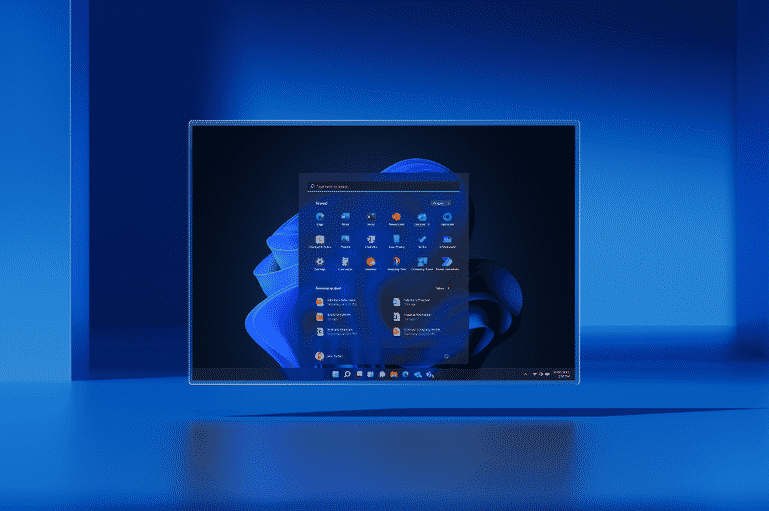
Introducing Windows 11 for Businesses
- Powerful for employees
- Consistent for IT
- Secure for all
Windows 10 support has ended, and Extended Security Updates (ESU) are only a temporary bridge. Windows 11 for businesses is the long-term path to a supported, secure operating environment.
For businesses planning to upgrade to Windows 11 in Toronto, Access can assess your current devices, identify what is eligible and manage the migration from planning through deployment.
Why Upgrade Now
The Windows 10 end of support arrived on October 14, 2025. Windows 10 computers still work, but without ESU they no longer receive Microsoft security updates, software updates or standard technical support.
Commercial ESU gives businesses more time to transition, but it is a paid annual program and the price increases in consecutive years. For devices that qualify, moving to Windows 11 avoids extending that temporary cost year after year.
The first step is checking Windows 11 upgrade eligibility. Access can assess your existing fleet device by device, identify computers that can be upgraded and flag hardware that should be replaced. We can then manage Windows 11 migration for your business, including new-device procurement through our business computers, laptops, and servers services and ongoing support through managed IT solutions. Microsoft requires compatible hardware, including TPM 2.0, Secure Boot capability and a supported processor.
Windows 11 is Designed for
Hybrid Work
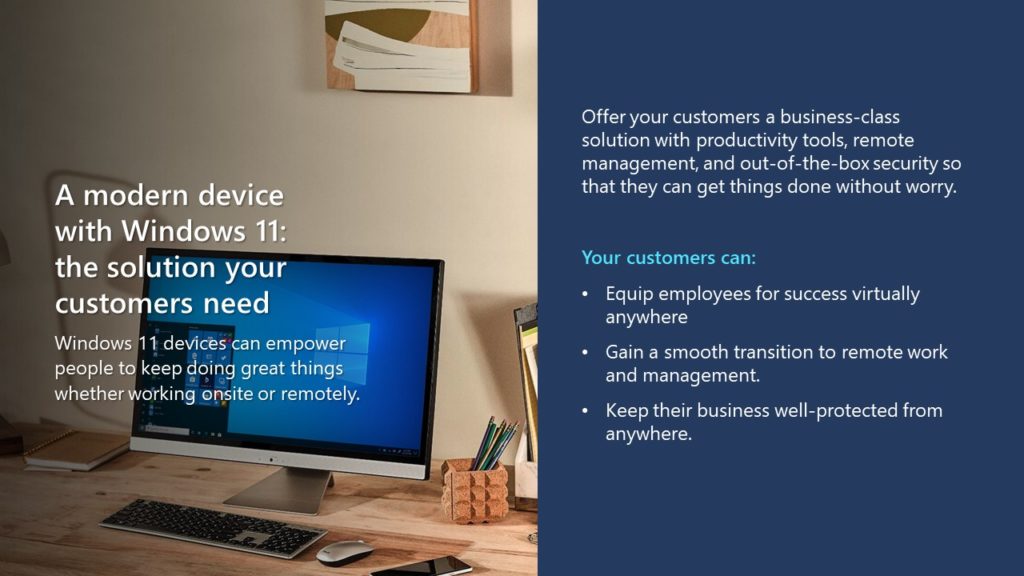
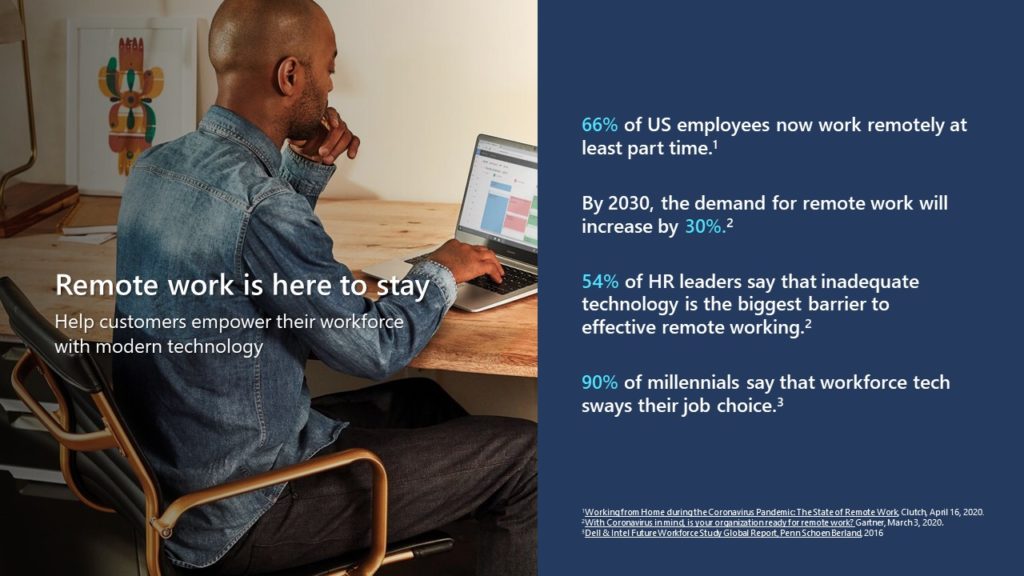
Windows 11 gives employees a familiar environment for working in the office, remotely or across both, while giving IT teams stronger security and management capabilities.
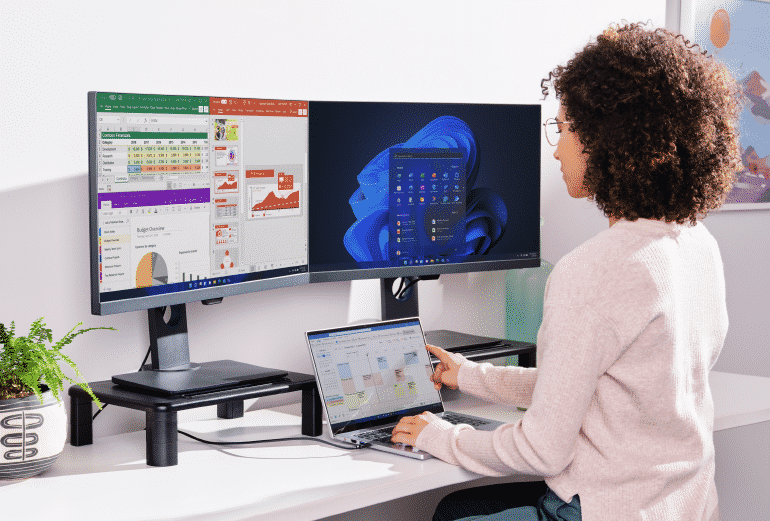
Instantly Productive
A simplified interface helps reduce distractions and makes everyday navigation easier. Snap layouts help employees organize multiple applications on screen and move between tasks more efficiently.
Smarter Collaboration
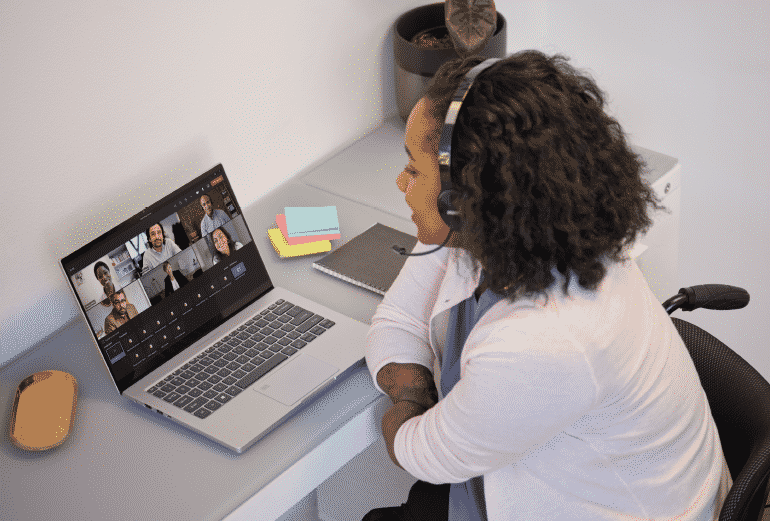
Windows 11 supports modern collaboration across Microsoft 365 and Teams environments, helping employees communicate and work together whether they are at their desk, at home or on the move.

Consistent for IT
Windows 11 works with familiar Microsoft management and deployment tools, helping IT teams manage devices, policies, updates and users across office and remote environments. This makes Windows 11 hybrid work environments easier to standardize and support.
The Most Secure Windows Yet
Windows 11 includes hardware-backed protections such as TPM 2.0, Secure Boot, virtualization-based security, encryption and malware protection. These Windows 11 security features for business provide a stronger foundation for protecting identities, devices and company data.
Frequently asked questions
1. Is Windows 10 still safe to use in 2026?
Windows 10 still operates, but standard Microsoft support ended on October 14, 2025. Devices that are not enrolled in ESU no longer receive regular Windows 10 security updates, which increases their exposure to malware and other security risks.
For businesses that cannot migrate immediately, commercial ESU can provide additional security updates temporarily. It should be treated as a transition plan rather than a permanent replacement for moving to Windows 11.
2. How do I know if my current PC is eligible for Windows 11?
A Windows 11 eligibility check looks at hardware requirements, including the processor, TPM 2.0, Secure Boot capability, memory and storage. Microsoft also provides compatibility checking through Windows Update and its PC Health Check tools.
For a business fleet, Access can review devices individually so you know which computers can be upgraded and which should be included in your next hardware refresh.
3. What happens to my files and settings when I upgrade?
A standard in-place Windows 10 to Windows 11 migration can preserve personal files, applications and Windows settings. Microsoft recommends backing up important data before beginning an upgrade.
For business deployments, Access can plan the migration around your users, applications and data so devices are prepared before the upgrade begins.
4. Should I upgrade my existing PC or replace the hardware?
If a device meets Windows 11 requirements, performs well and still has useful life remaining, upgrading may be the practical option.
Older or incompatible devices may be better replaced, particularly if they are already creating performance, reliability or warranty concerns. Access can assess the fleet first, so you replace only the hardware that actually needs replacing.
5. How long does a business-wide Windows 11 migration take?
The timeline depends on the number of devices, hardware compatibility, application requirements, user locations and whether new equipment is required.
Access can stage the rollout so compatibility testing, device preparation and migration happen in a controlled sequence rather than upgrading every computer at once.
6. Does Access handle the upgrade for us, or do we need our own IT staff involved?
Access can manage the Windows 11 rollout from assessment through deployment. That includes checking device eligibility, planning the migration, coordinating replacement hardware where required and helping transition users to the new environment.
Your internal team can be involved as much or as little as needed, making the service suitable for businesses with limited or no in-house IT resources.
For More Information or a quote about Windows 11