
Print Factory RIP and Workflow Automation
PrintFactory
BETTER PRINTING, BIGGER PROFITS
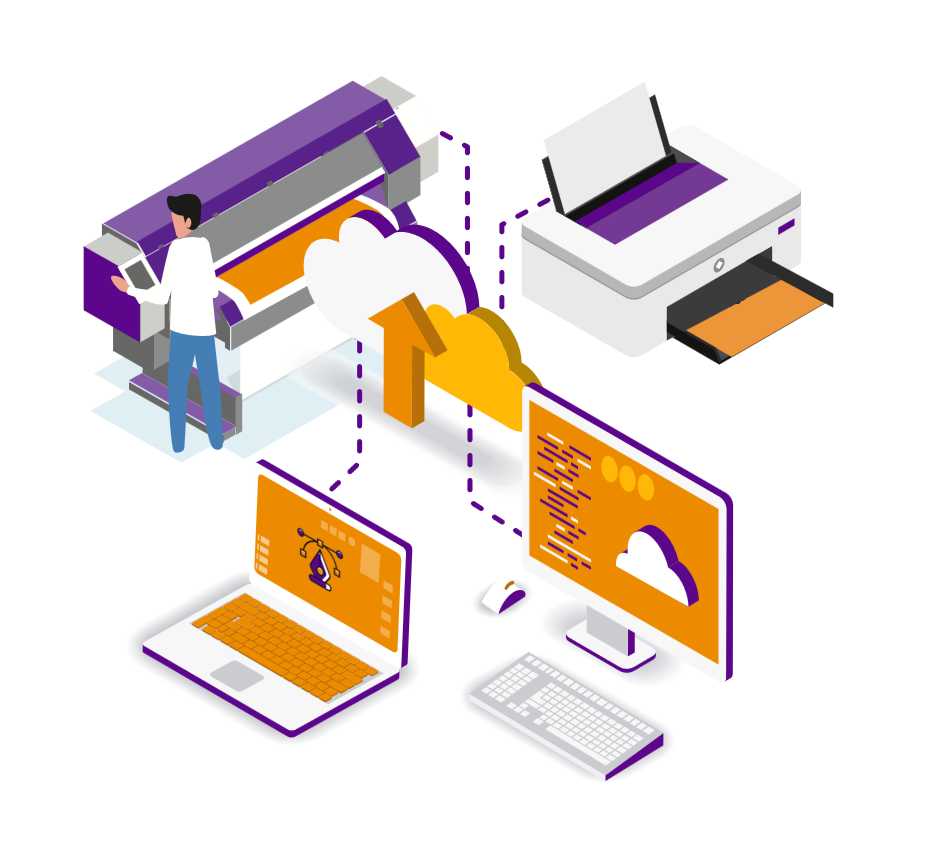
PrintFactory is RIP software for wide-format printing that replaces the basic RIP supplied with many printers. It combines colour management, job preparation, nesting, tiling, editing, and print workflow automation within one connected platform.
Built by print professionals, PrintFactory helps operators prepare jobs faster, maintain consistent output, and reduce unnecessary ink and media use. Access provides PrintFactory implementation and support in Toronto and across Canada, managing configuration, training, and ongoing assistance rather than simply reselling the software.
Bernard Group
FIND OUT HOW PRINTFACTORY GIVES YOU:
BETTER PRINTING, BIGGER PROFITS
Consistent color
PrintFactory’s device-link profiles help maintain wide format printing colour consistency across different printers, media, and repeat jobs. Guided profiling tools simplify setup and help operators achieve predictable output without repeated manual corrections.
Read More: Consistent color
Lower ink costs
PrintFactory’s ink-optimization technology helps reduce ink costs in printing while maintaining stable colour and print quality. Smarter ink separation lowers unnecessary consumption without compromising the finished result.
Read More: Lower ink costs
Smarter job prep
The in-app Editor lets operators correct, scale, crop, tile, and prepare files before production. Last-minute changes can be completed within the workflow, reducing delays and dependence on separate design applications.
Read More: Smarter job prep
Less wasted media
Integrated nesting, tiling, and template tools give operators greater control over media use. Accurate soft proofing and better job preparation also reduce unnecessary make-readies, reprints, and offcuts.
Read More: Less wasted media
It’s not worth changing a RIP to save just 2% or 3%.
That’s too much hassle.
But if PrintFactory can put my profit margins up by 20% or more, then yes, that’s worth a look…
Large-Format Printers: Increase Your Profit Margins in 10 Different Ways
Achieve more consistent colour, smoother production, better connectivity, and greater control with software developed around the real requirements of wide-format print businesses.
Top 10 LFP Solutions
for better printing, bigger profits
1._ How to Get Consistent Color
Learn how to get consistent colour across all your print devices while reducing repeated adjustments, test prints, and operator intervention.
2._ How to Get a Faster RIP
Large PDFs and complex jobs do not need to slow production. See how a faster RIP can reduce processing delays and keep print queues moving.
3._ How to Stop Scaling Errors
Submit jobs at the correct 1:1 scale to reduce production mistakes and eliminate handwritten scaling instructions on job bags.
4._ Workflow Reporting Solutions
Centralized dashboards and reports make production information easier to review, helping your team save time instead of spending it compiling data.
5._ How to Make Profiles Quickly
Create and tune new colour profiles through a guided process that makes profiling faster and easier for operators.
6._ No Need for Color Corrections
Automated colour matching reduces the need to retouch artwork for individual devices, substrates, or repeat jobs.
7._ Soft-Proofs You Can Trust
Accurate soft proofs help your team approve output with greater confidence while reducing unnecessary media, ink, and test prints.
8._ Get a More Efficient Workflow
Connect job preparation, colour management, RIP processing, and output within a more efficient workflow that supports higher productivity.
9._ Cut Down Your Make-Readies
Better nesting, tiling, templates, and soft proofing can reduce make-readies while saving ink, media, and production time.
10._ MacOS, Linux, & Windows
PrintFactory connects workflows across macOS, Linux, and Windows, allowing your team to work without being limited to one operating system.
PrintFactory’s Workflow Software
More Than Just a RIP

CONSISTENT PERFECT COLOR
- Device-link profiling
- Better neutrals and greys
- Cleaner, sharper Spots

THE ULTIMATE TILING TOOL
- Multiple substrates
- Bespoke templates
- Last-minute amends will never slow you down

PREMIUM IN-APP EDITOR
- Edit like a design pro
- Works with all formats
- Supports Mac and PC
- Multiple installs
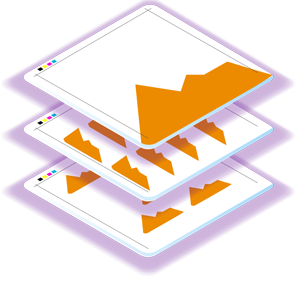
INTELLIGENT LAST-MINUTE NESTING
- Stack multiple files
- Add last-minute jobs
- True-Shape nesting
- Total manual control

SMART XML-DRIVEN PRODUCTION
- Centralized XML RIP
- Distributed workflow
- Single file processing for increased productivity
Case Studies
See how other businesses use PrintFactory to improve output, reduce waste, and strengthen production efficiency.
CASE STUDY – SIGNAGE

BOOSTING PRODUCTIVITY BY 25% WITH RELIABLE, CONSISTENT COLOR AND LOWER COSTS
Signtech used PrintFactory to achieve consistent colour across their printers and boost production by 25%. Our cloud-based plan also had an impact on staff morale and, as the bottlenecks disappeared, it reduced overtime costs, too.
Read more about this case study
CASE STUDY
TEXTILES

AN AUTOMATED WORKFLOW THAT REDUCES MEDIA WASTAGE AND INCREASES COLOR CONSISTENCY
Artex are a premium textile manufacturer. With PrintFactory, the team has cut down the amount of material being unnecessarily wasted, as they try to match finished products with fabric samples printed much earlier in the season.
Read more about this case study
Frequently Asked Questions
- What is a RIP, and why would I replace the one that came with my printer?
The raster image processor (RIP) translates design files into the output instructions used by a printer. The RIP supplied with a printer may be suitable for basic production, but a PrintFactory RIP provides more advanced colour management, nesting, tiling, editing, soft proofing, reporting, and workflow automation across multiple devices.
- Which printer brands and models is PrintFactory compatible with?
PrintFactory supports more than 4,900 printer and cutter drivers across a wide range of manufacturers. Supported platforms include equipment from HP, Epson, Canon, Mimaki, Roland, Mutoh, Durst, EFI VUTEk, swissQprint, Kornit, Zünd, and Kongsberg. Compatibility depends on the exact model, ink configuration, cutter, connection method, and digital front end, so Access confirms each device before recommending the wide format printer software.
- How long does it take to set up PrintFactory in an existing print shop?
A supported printer can be added to the PrintFactory RIP quickly, but a production-ready setup may also require software installation, network configuration, printer and cutter connections, media profiles, colour calibration, workflow testing, and operator training. Access reviews the existing environment and provides an implementation schedule based on the number of devices and the complexity of the workflow.
- Does Access provide training and ongoing support for PrintFactory?
Yes. Access supports the complete implementation, including initial planning, software configuration, printer setup, colour-workflow preparation, operator training, troubleshooting, and ongoing assistance as production requirements change.